Meshy has published a binary release for MacOS, giving me a chance to daily drive it for my desktop MeshCore needs! I’ve been using it for a few days and I have to say its nice. While I’ve appreciated Liam’s release of the mobile app for desktop over the past few months, the focused approach to desktop is much cleaner. I’m sure there’s other options out there, but when I initially searched I didn’t find any that ran on Mac OS, which is my daily use computer right now, for better or worse. As expected, setup was simple, I put in the connection details for my OpenHop Companion and I was off and meshing.
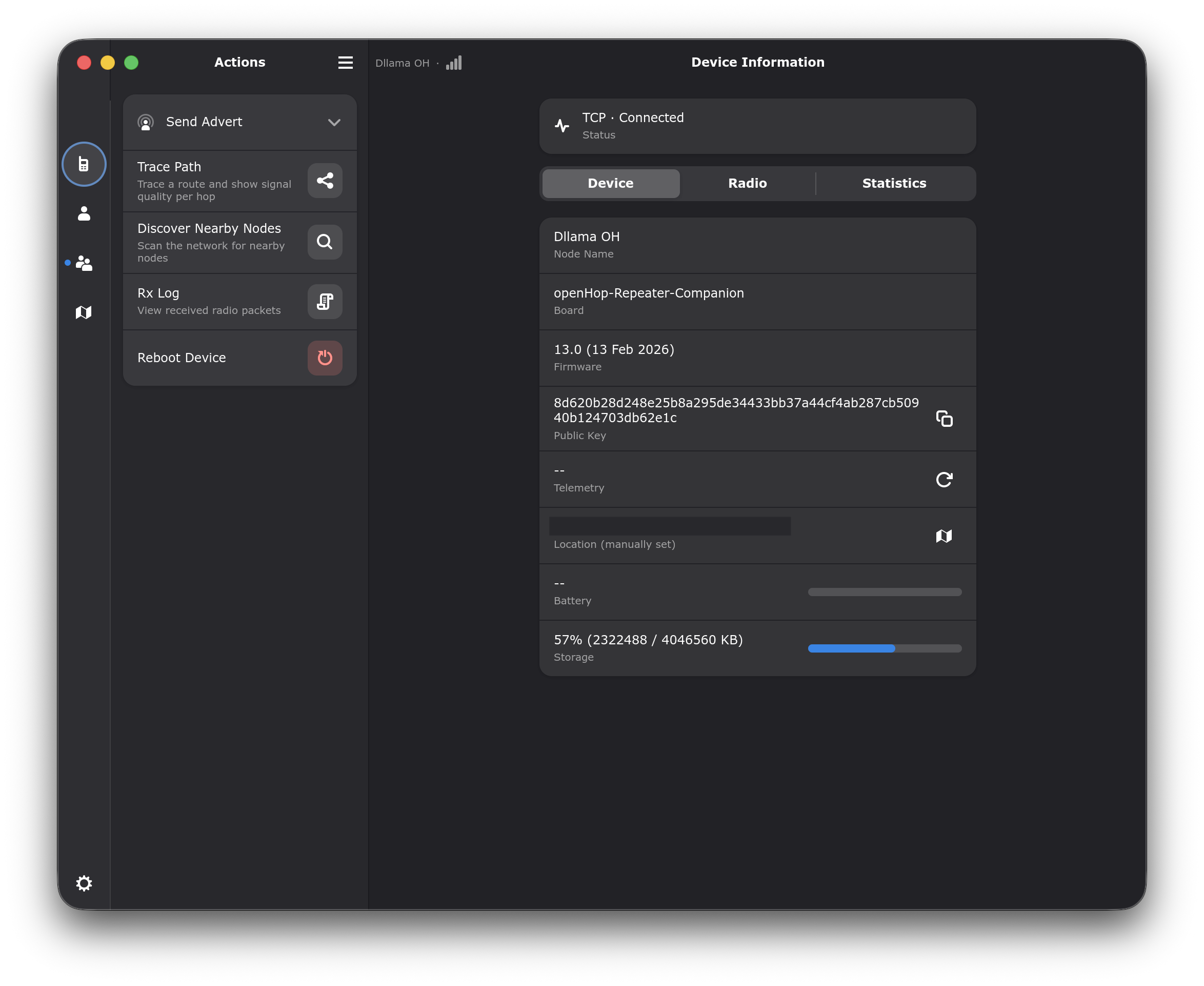
Meshy's Settings page.
I also appreciate the chat interface, nothing that stands out but maybe that’s the point? The application also has decent keyboard shortcut support, which as a CLI fan, brought me some joy. You can switch between tabs with control keys and a number, with the minor caveat that unlike most ports to OS X that I have used, control is not remapped to command, leading to some more awkward finger chords.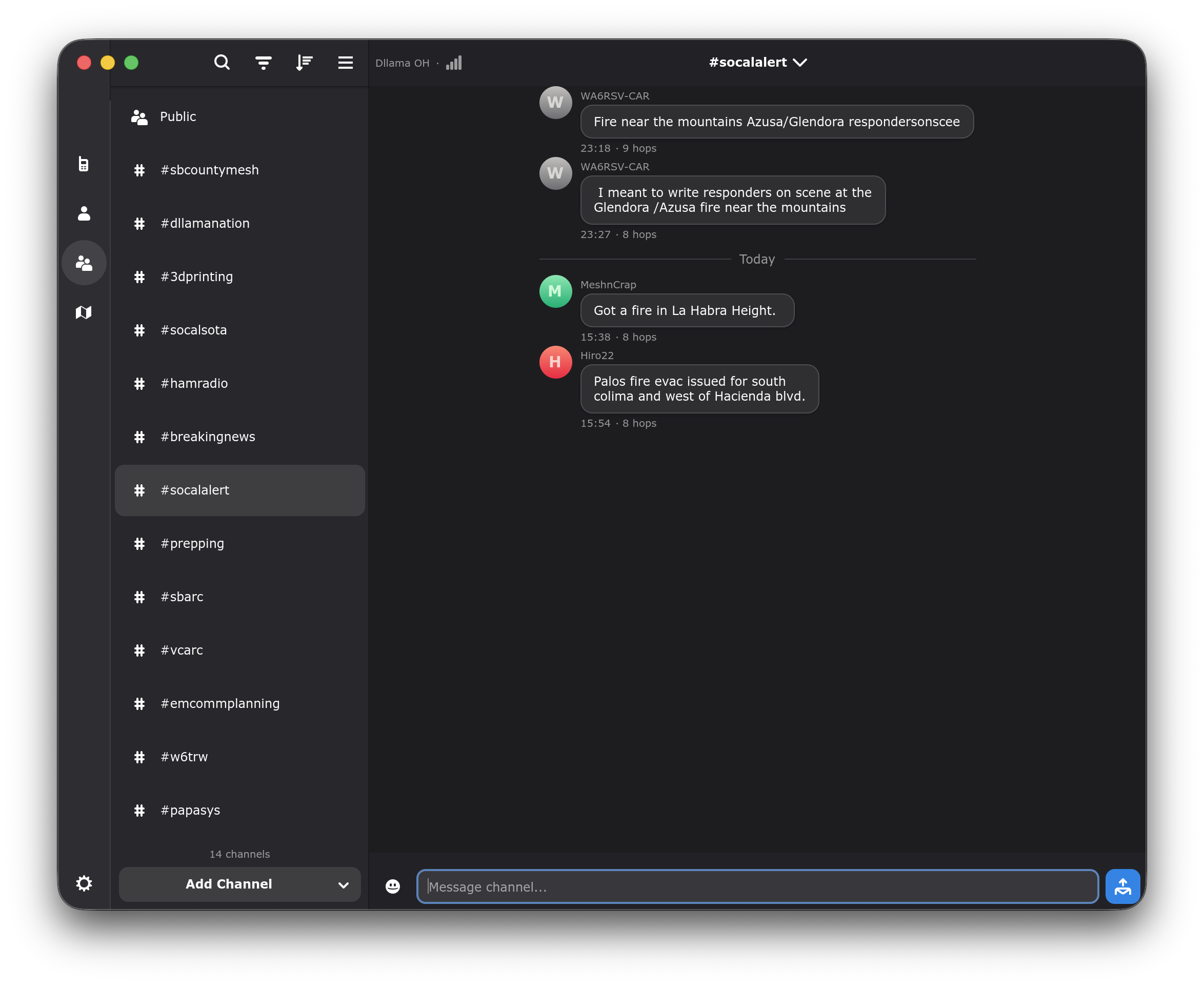
Meshy's Chat page.
In closing, while I’ve been using Meshy for a few days now, outside of the control/command swap from os differences I don’t really have any complaints- it runs well, no crashes, seems to be intentionally designed and best of all its snappy and a native desktop experience. Hopefully as the mesh continues to gain some momentum, especially in my area, Meshy can become more central to my communications. Right now it is very much a nice application working well within its designed area, but I’m missing the critical mass and at least up here on the fringes, reliability and confidence in the connection to go all in. Go check it out if you run Linux or Mac OS!