Contining down the path of sharing my exploration of the meshcore ecosystem, my EtherMesh-1W arrived and has been patiently waiting to be put in to play. I decided to actually bench test everything before starting to mount the hardware, rather than just tossing everything in an enclosure and finding out what steps I missed. Opened up the box, bag of screws and board, with bonus candy! Made my day. Anyway, on to setup.
I fiddled around with the tiny screws a bit, but they seemed more optimistic than applicable outside of two to secure the PoE magnetics, but none of the other mounting points lined up in diameter, hole clearance, or length. No worries, we have tweezers, miniature screwdrivers and heat rated adhesives.
I initially played it safe, after connecting an ipex pigtail and antenna, I tried connecting over USB using the meshsmith site tools, to no avail. Apparently you can get firmware from and flash at openHop but I have not tried or needed to.
Default username and password isn’t documented anywhere I could find, but it is admin and password.
Things were a breeze after that, essentially as follows. Set up a static lease for the MAC once it registered, connect to that IP, change the default HTTP password and set a pyMC token. Remember this is a remote modem, nothing more, so the web interface is quite full featured all things considered. Switch over to openHop, configure the radio hardware to pymc_tcp, TCP Host is the static IP you configured for the etherMesh, TCP Port by default is 5055, and Token is as configured above. I hit save, magic happened and everything worked.
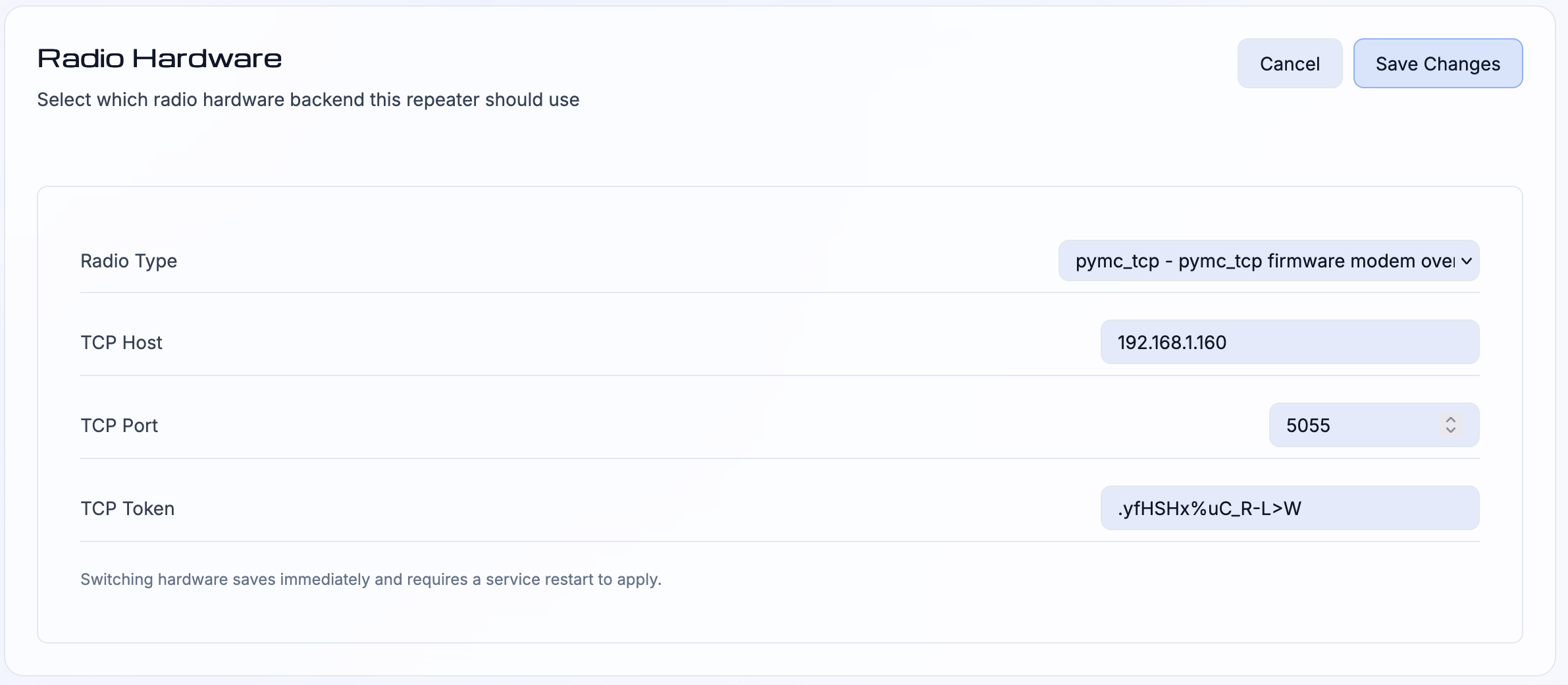
openHop Radio configuration page
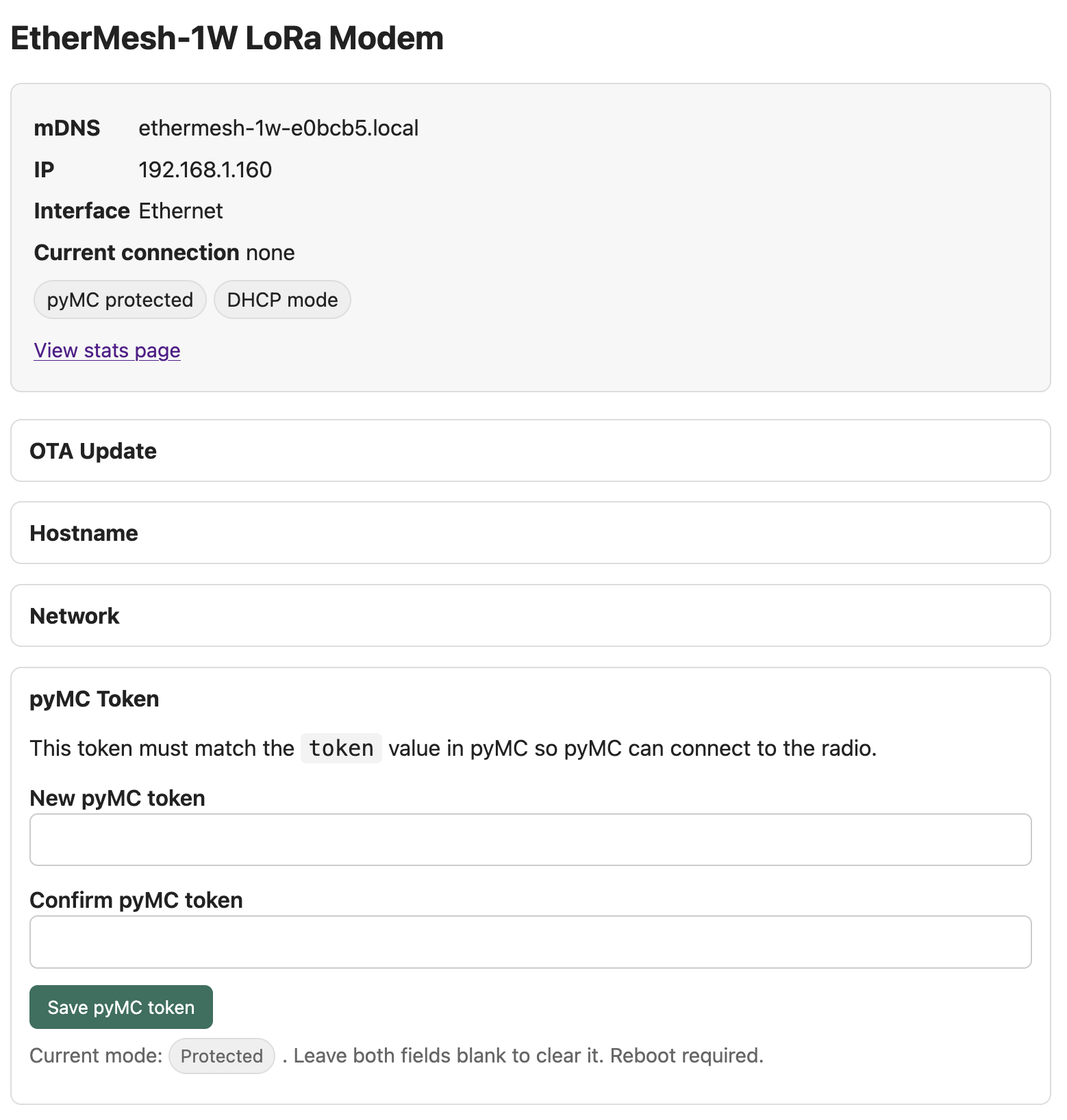
EtherMesh-1W HTTP interface
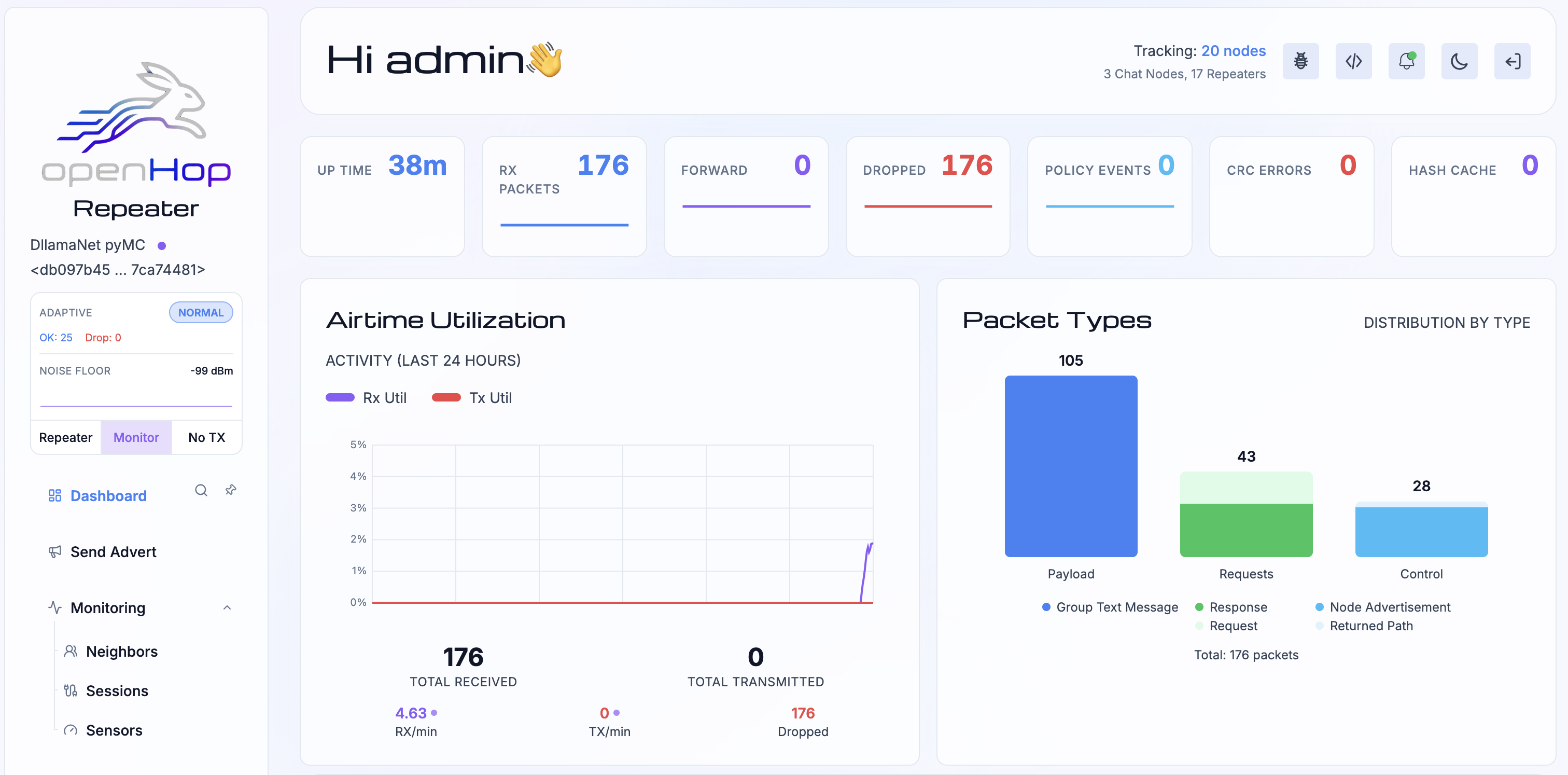
OpenHop interface showing first packets
My test setup until now has been a heltec v3 flashed to the KISS modem firmware connected via USB to a le potato running armbian and openHop, which was perfectly servicable. Now, untethered from USB and free to roam anywhere my home ethernet reaches (far wider than it should, all things considered), my openHop install was moving to an LXC container in my home proxmox infrastructure, with better storage (not a consumer SD card), backups, and better power (USB micro feeding from my desklamp… hey it worked). The Ethermesh will have better power too, as the PoE switches are all on a dedicated UPS. Also the repeater software is running way faster, the entire update from main to latest dev took less time than the potato switching git branches. Software sorted, time to work on the physical side.